Build Ledger
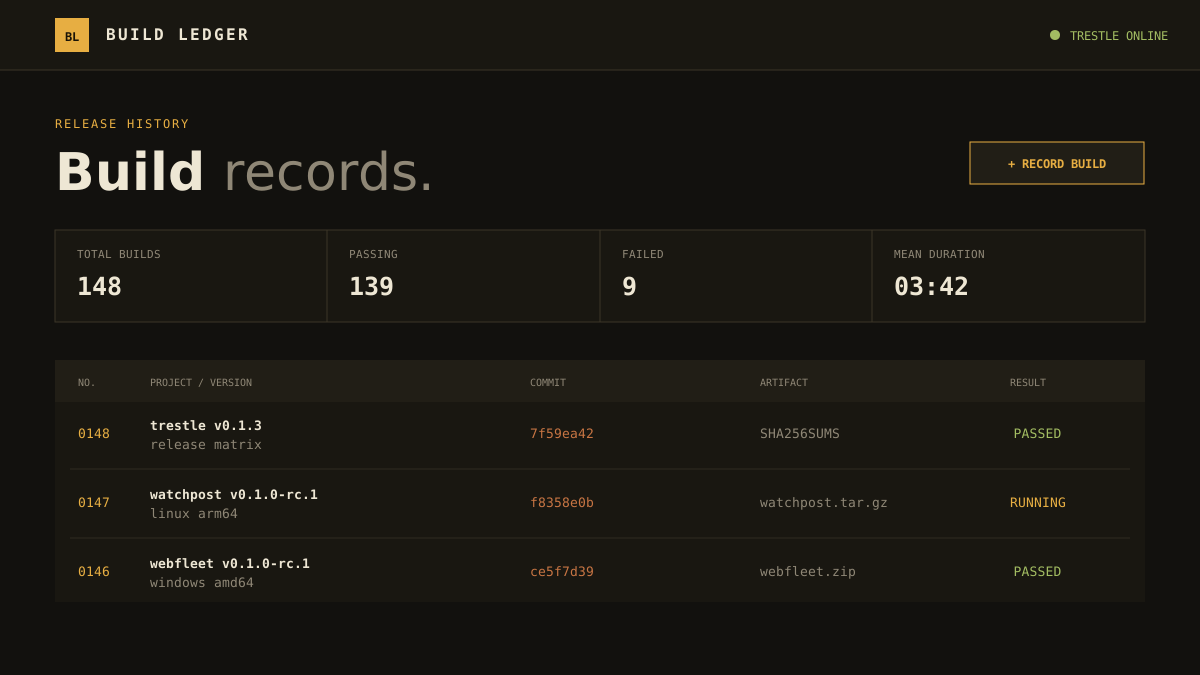
An auditable release-history application that records versions, commits, outcomes, timings and artifact locations through an Axum domain API backed by Trestle.
What it proves
Typed input at the edge
Serde decodes each build and Rust validation bounds its project, version, commit and status before any upstream request.
One fixed collection
Axum constructs only the bl_builds record path. The browser cannot choose a Trestle URL or receive the service token.
Independent frontend
Nift builds the static ledger interface while Cargo compiles the backend. Neither layer imports Trestle internals.
Run the example
git clone https://github.com/trestle-cv/dogfood-build-ledger
cd dogfood-build-ledger

export TRESTLE_URL=http://127.0.0.1:7333
export TRESTLE_ADMIN_EMAIL=admin@example.test
export TRESTLE_ADMIN_PASSWORD='choose-a-real-password'

python3 scripts/bootstrap.py
nift build
cargo run
Start Trestle on port 7333 first, then open http://127.0.0.1:4180. Bootstrap creates bl_builds, applies service-only record rules and writes a copy-once credential to the ignored, owner-only .build-ledger.json.
Record and route contract
Each build stores project, version, commit, status, optional duration_ms, optional artifact and a server-generated recorded_at. Status is confined to queued, running, passed or failed. The browser receives only GET /api/builds and POST /api/builds; Axum translates those calls into the corresponding public collection API requests.
Architecture and authority
browser -> Axum domain API -> Trestle HTTP API -> configured Trestle store
                |
                +-> serves the Nift-generated frontend
The scoped credential permits record reads and writes, not administration. Trestle remains responsible for durable state, schema enforcement and access rules; Build Ledger never opens Trestle's database.
Useful checks
cargo fmt --check
cargo clippy --all-targets -- -D warnings
cargo test